 Jonathan Blake
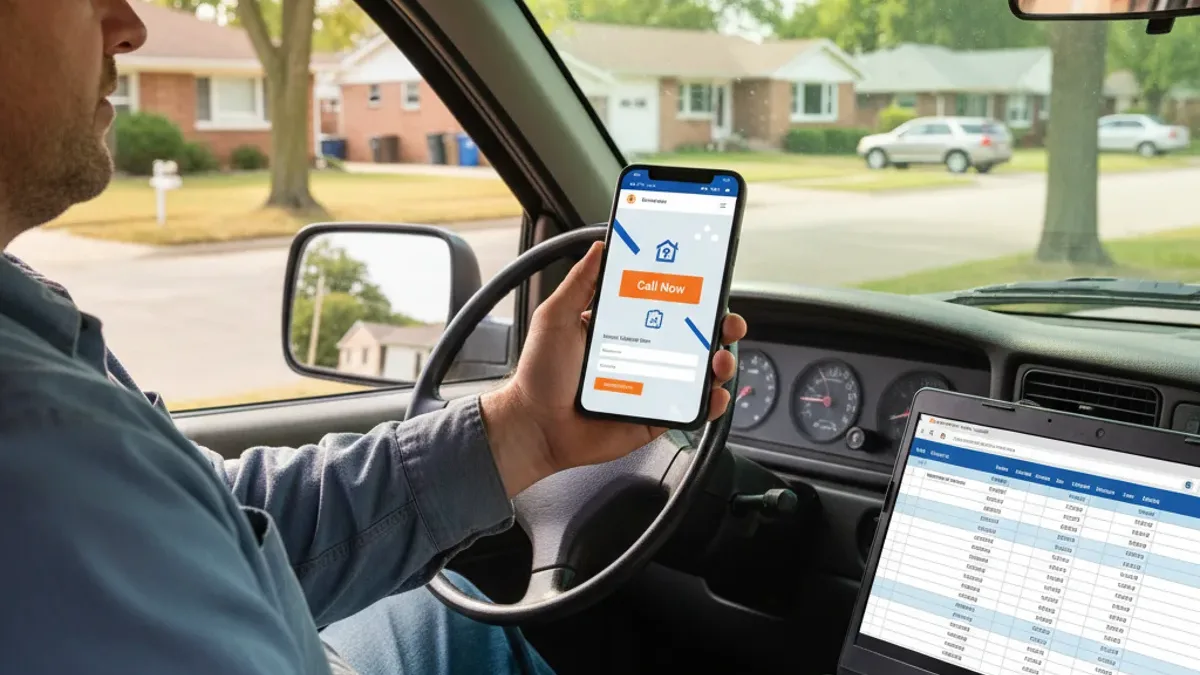
Most “best contractor website” lists are screenshots of pretty homepages. Pretty doesn’t pay the bills. A homeowner on a phone decides in seconds whether to call you or hit the back button. The sites that win make calling, texting or getting a price obvious.
Below are real contractor website examples we built, what each one does well, and the 9 features they share. You can scroll every one of them live in our contractor website examples portfolio. Want to know how your current site stacks up? Take the 2-minute Growth Score Assessment.
Growth Score Assessment
Answer 12 quick multiple-choice questions built for local home service businesses and see where you're leaking leads.
- Takes less than 2 minutes
- 100% free, no credit card required
- Shows your top 3 priority fixes right on the results screen
What makes a contractor website convert?
Every site below follows the same rules:
- Fast on a phone. Most homeowners find you on their phone, often standing in the problem. Google also measures page experience with Core Web Vitals.
- Call, text and quote buttons above the fold, and a sticky call bar on mobile.
- A page for every service and every town, so Google can rank you for “gutter cleaning Perrysburg,” not just your company name.
- A price or an instant estimate, even a range.
- Real proof: reviews, job photos and your trucks, not stock models in hard hats.
- Every lead goes to one place, with an instant text back.
Contractor website examples that work
Glass City Hauling & Moving: the instant quote calculator
Junk removal customers want one thing: “How much?” This site answers it with a 4-step online quote calculator. Pick the load size, items and location, and get a price range before you ever pick up the phone. It also has 12 service pages, location pages and a sticky Call/Quote bar on mobile.
Steal this: if your jobs can be priced in ranges, put an estimator on the site. It captures people who would never call for a quote.
Spa Pro Toledo: built in 45 days, found 5,320 times a month
Spa Pro Toledo got a new website and a fully optimized Google Business Profile in 45 days, plus Bing, citations, missed-call text-back and AI follow-up. In the last 28 days of the case study, Google showed them in search 5,320 times.
Steal this: launch the website and the Google profile together. Each one makes the other rank better.
OCD Precision Cleaning: from no website to 2,070 impressions
A cleaning company that opened in February 2026 had no website until August. In about six weeks they got a site, an optimized Google profile, citations, reviews and missed-call text-back, and reached 2,070 Google impressions in the first weeks live.
Steal this: a new business doesn’t need to wait years. A clean site with a page per service gives Google something to rank right away.
Glass Cities Tree Service: the profile that keeps climbing
Tree work is high-ticket and trust-heavy. This site leans on real crew photos, reviews and clear service pages, and the Google profile hit 1,145 views and climbing.
Steal this: for dangerous or expensive work, proof beats promises. Show your crew, your equipment and your insurance.
Royalty Pressure Washing: the before-and-after slider
Pressure washing sells on the visual. This build puts a before-and-after slider and a quote form right in the hero, so the result and the next step are on screen together.
Steal this: if your work is visual (washing, painting, landscaping, roofing), lead with a before-and-after.
Ion Construction: financing and an instant estimate
Remodeling jobs are big decisions. This general contractor site shows financing up front and offers an instant estimate, which answers the two questions every remodeling lead has: “Can I afford it?” and “Roughly how much?”
Steal this: if your average job is over $10,000, mention financing on the homepage, not buried on a page nobody finds.
Our roofing website template: the roof cost estimator
Our roofing website template has an instant roof cost estimator, financing and a lead form, ready to customize. Roofing searchers compare several companies, and the one that gives a ballpark first often gets the inspection.
Steal this: roofing leads respond to numbers. Our sister site, Midwest Roof Calculators, has 25+ free calculators built on the same idea.
The 9 features every contractor website needs
- Loads fast on a phone (test it on Google PageSpeed Insights)
- Phone number, text and quote buttons at the top of every page
- A sticky call bar on mobile
- A separate page for each service you offer
- A page for each main town you serve, written about that town
- A price range, starting price or instant estimator
- Real reviews and real job photos
- LocalBusiness structured data with your name, phone and service area
- Every form and call goes into one CRM, with an instant text back
Why do some good-looking contractor websites get no calls?
A website that gets traffic but no calls doesn’t have a design problem. It has a conversion problem. We see three causes over and over:
- Nobody answers. The form emails an inbox nobody checks, or calls ring out to voicemail. Read why your website isn’t generating leads.
- One “Services” page for everything. Google can’t rank a page about everything for anything.
- No reason to act now. No price, no estimate, no reviews near the button.
Visibility gets you seen. The system behind the site gets you booked.
How much does a contractor website cost?
It depends on who builds it and what’s included. A DIY builder is cheap but you do the work. A one-time agency build often runs into the thousands, then charges extra for hosting, edits and SEO. We build ours as part of the Booked Solid System: 20 to 25 SEO pages, calculators and lead forms, live in 7 to 10 days, with $0 due until you’re live. Want to start yourself? Grab our free AI-ready website template.
DIY builder
- Cost: Cheap
- Catch: You do the work
One-time agency build
- Cost: Often runs into the thousands
- Catch: Extra charges for hosting, edits and SEO
Booked Solid System
- What you get: 20 to 25 SEO pages, calculators and lead forms
- Timeline: Live in 7 to 10 days
- Due upfront: $0 until you're live
Quick wins
Want leads this month? Start here
Build the foundation first. A good website, local SEO and citations, plus every profile you can claim: Google, social media, search engines and directories. Keep your NAP (business name, address and phone number) exactly the same on your website and every listing. Verify your site in Google Search Console and Bing Webmaster Tools, and claim Bing Places for Business. The more digital real estate you own, the farther everything below takes you.
Hit up past customers
Send everyone you've worked for a real offer. They already trust you, so it's the fastest money on the board.
Do cold outreach
Call, text (with consent), email or walk in to the people and businesses who buy what you sell.
Run ads
Put a simple offer in front of homeowners in your service area this week.
Post content
Before-and-after photos, short videos and quick tips on your Google profile and social pages.
Partner with businesses that own your customers
Adjacent companies already serve the people you want. When they recommend you, you borrow their authority and trust. Co-market, swap leads or partner on lists (and follow the consent rules).
Answer every lead in under a minute
The faster you reply, the more you close. Wait 2 to 5 minutes and many leads have already called someone else.
Work every job's neighborhood
- Canvass the neighborhood around every job site. Knock on the doors on both sides and across the street.
- Leave a door hanger at every house you don't catch at home.
- Drop a handwritten note or card at the neighbors' doors: sorry for the noise and the trucks, plus an offer for a free inspection or quote.
- Put a yard sign in front of every job, and at the entrance of neighborhoods where you've done work (with permission).
Ask for introductions, not referrals
"Do you know anyone who needs…?" gets a polite "I'll keep you in mind." Asking for an introduction to a specific person gets names. Set it up at the sale, before the work starts:
"Most of our customers come from introductions, about [your real number, like 80 to 90] percent. If we knock it out of the park for you, would you be against introducing me to anyone you know who might need the same work? We'll give them a free estimate."
Then follow up after the job. If you've built real rapport with the customer, a little humor works:
"So do you hate me, or do you hate your friends? Why haven't you left a review or introduced me to someone who needs the same work yet?"
Only joke like that with customers you know well. With everyone else, keep it simple and thank them either way.
The bottom line
The best contractor websites are boring in the right ways: fast, clear, a button on every screen, a page for every service and town, and real proof. Copy the features above, not the colors. Then make sure every call and form gets an answer in seconds. See the full gallery of contractor website examples, or have us build yours with the Modern Website plan.